
What “unblocked” means on this page
On this site, “unblocked” means the game runs in an ordinary browser tab instead of an installed app. There is no download step and no account wall. Whether the page opens on a school or workplace network depends on that network’s own rules; this site does not provide a proxy, VPN, or filter-bypass tool. If the page is blocked where you are, the same game may be available on another network or through the developer’s official distribution.
The playable area is an embedded frame served by the Wrestle Bros game domain. If that provider is down, the frame can be empty even when this page loads normally. WrestleBros.xyz is an independent play-and-guide site, not the developer’s official website. The notes below cover the controls and the most common loading fixes, so you can tell a network problem apart from a game problem.
How to start a match
The game does not need a tutorial screen. Pick a mode, give the frame keyboard focus, and learn the two or three keys that matter. The first match is usually more about spacing than about attacking.
- Pick a mode. Tournament is the simplest place to learn because the CPU gives you repeated chances to practice the pin. Local two-player is the fastest way to start a head-to-head match. Online play needs a room code and a stable connection.
- Click inside the game. The frame needs keyboard focus. If your keys scroll the page instead of moving the wrestler, click the ring once and try again.
- Start with movement and block. Move in short bursts, block when you expect an attack, and answer while the other wrestler is recovering. Do not hold the action key and hope for the best.
Solo and two-player controls at a glance
Solo
| Action | Keys |
|---|---|
| Move | A / D or ← / → |
| Jump | W or ↑ |
| Block | S or ↓ |
| Action | Space or Enter |
| Pin | Double jump |
Local two-player
| Action | Keys |
|---|---|
| Player 1 move | W A S D |
| Player 1 action | G |
| Player 2 move | Arrow keys |
| Player 2 action | L |
For what each key does and what to check when the game ignores your keyboard, read the full Wrestle Bros controls guide.
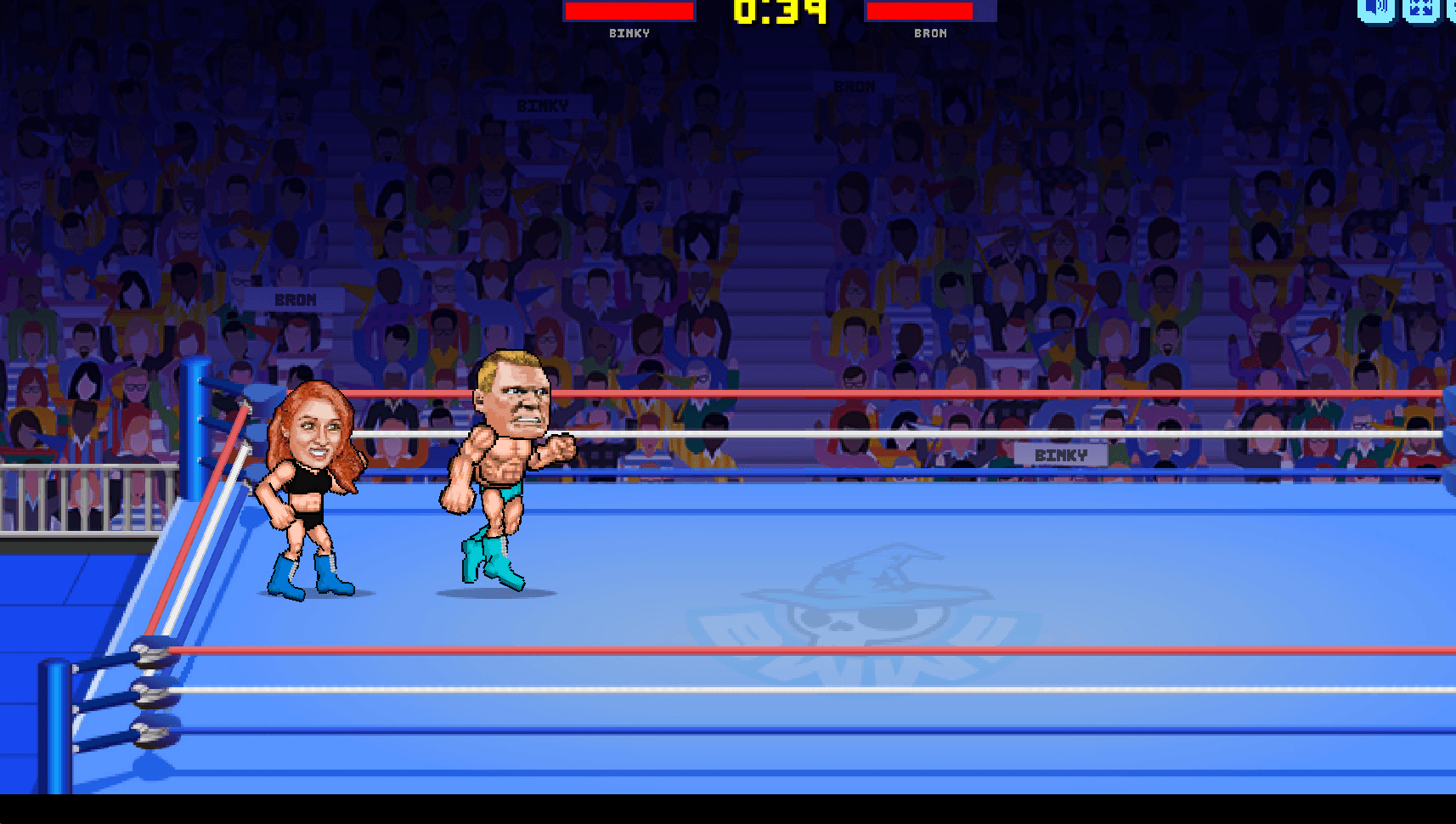
Which mode should you play first?
If you have never played before, start with Tournament. If a friend is sitting next to you, local two-player is quicker. Online play is better once you can move, block, and recover without looking at the keyboard.
Tournament
A run of CPU opponents. This is the best place to learn pin timing without another player, and wins unlock more wrestlers and gear.
Local two-player
One keyboard, two wrestlers. Player 1 uses WASD and G; Player 2 uses the Arrow Keys and L. Use fullscreen so both players can see the ring.
Online game
Host a room or join one with the code shown in the menu. A stable connection helps, but learn the controls in Tournament before taking a match online.
Tournament is also the best place to practice the finish. See how to pin in Wrestle Bros for the timing sequence.
If the game does not load
Most empty-frame problems come from focus, script blocking, or the game provider rather than from the page itself. Work through these checks in order.
- Click inside the frame. If the page scrolls when you press a movement key, the game does not have keyboard focus yet.
- Refresh once. A single refresh clears many temporary loading failures, especially after a network change.
- Allow the game domain. Script blockers, privacy extensions, and strict browser modes can block an embedded frame or the scripts it needs.
- Try fullscreen or another browser. Fullscreen gives the frame more room and makes keyboard focus easier to see. If fullscreen fails, try a current version of Chrome, Edge, or Firefox.
- Check the network policy. On a school or workplace network, the page itself may be filtered. In that case the fix is on the network side, not in the game.
- Wait if only the frame is empty. The embedded game provider can be temporarily unavailable. If the rest of this page loads and the frame stays blank, try again later.
If the controls work but the match is not going your way, the problem is usually spacing rather than input lag. Block first, move out of range, and look for a chance to put the opponent on the mat before attempting a pin.
Common questions
Wrestle Bros unblocked FAQ
Keep reading